Open Source
Get Started with ReactiveSearch
Get up and running in minutes. Four steps to a fully functional search stack with Elasticsearch, search pipelines, analytics and a visual dashboard.
Prerequisites
Docker and Docker Compose installed on your machine.
- 1
Clone and start the services
Clone the Docker Compose template and start all services with a single command.
Terminalgit clone https://github.com/appbaseio/reactivesearch-api-docker.git \ && cd reactivesearch-api-docker docker-compose -f docker-compose-with-elasticsearch.yaml up -dThis starts Elasticsearch, ReactiveSearch API, Nginx (with TLS), Zinc (for internal logging) and Fluent Bit — all with a single command.
Using OpenSearch instead?
Use the OpenSearch compose file:
docker-compose -f docker-compose-with-opensearch.yaml up -d - 2
Verify the service is running
Once the containers are up, verify ReactiveSearch is accessible.
Terminalcurl http://localhost:8000 -u rs-admin-user:rs-passwordYou should see a response like:
Response{ "name": "elasticsearch", "cluster_name": "docker-cluster", "version": { "number": "9.3.0", "build_flavor": "default", "build_type": "docker", "build_hash": "17b451d8...", "build_date": "2026-01-29T10:05:46.708Z", "build_snapshot": false, "lucene_version": "10.3.2" }, "tagline": "You Know, for Search" }This confirms ReactiveSearch is running and connected to your search cluster.
- 3
Connect the Dashboard
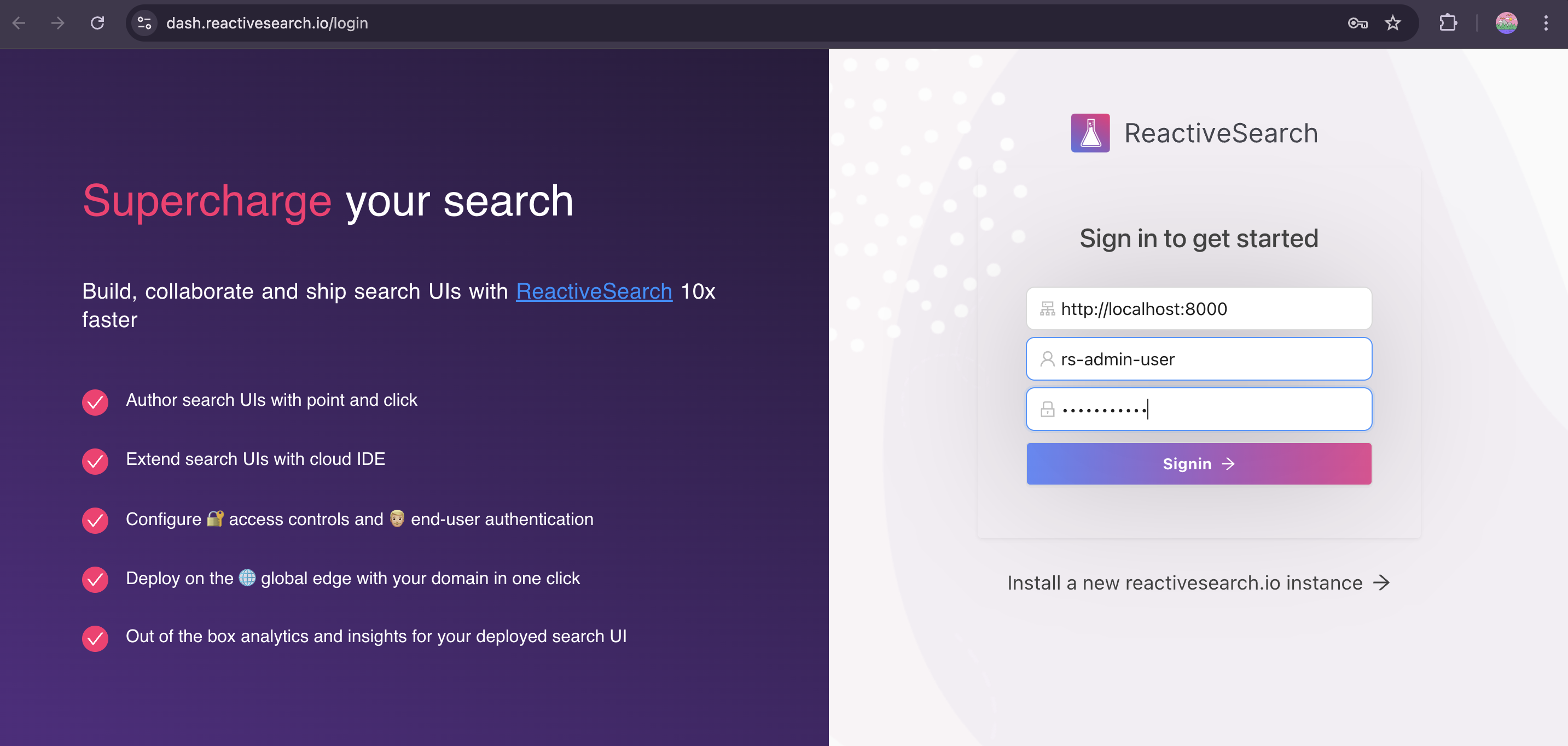
Open dash.reactivesearch.io in your browser. Enter your ReactiveSearch URL, username and password:
- URL
http://localhost:8000- Username
rs-admin-user- Password
rs-password
- 4
Start building
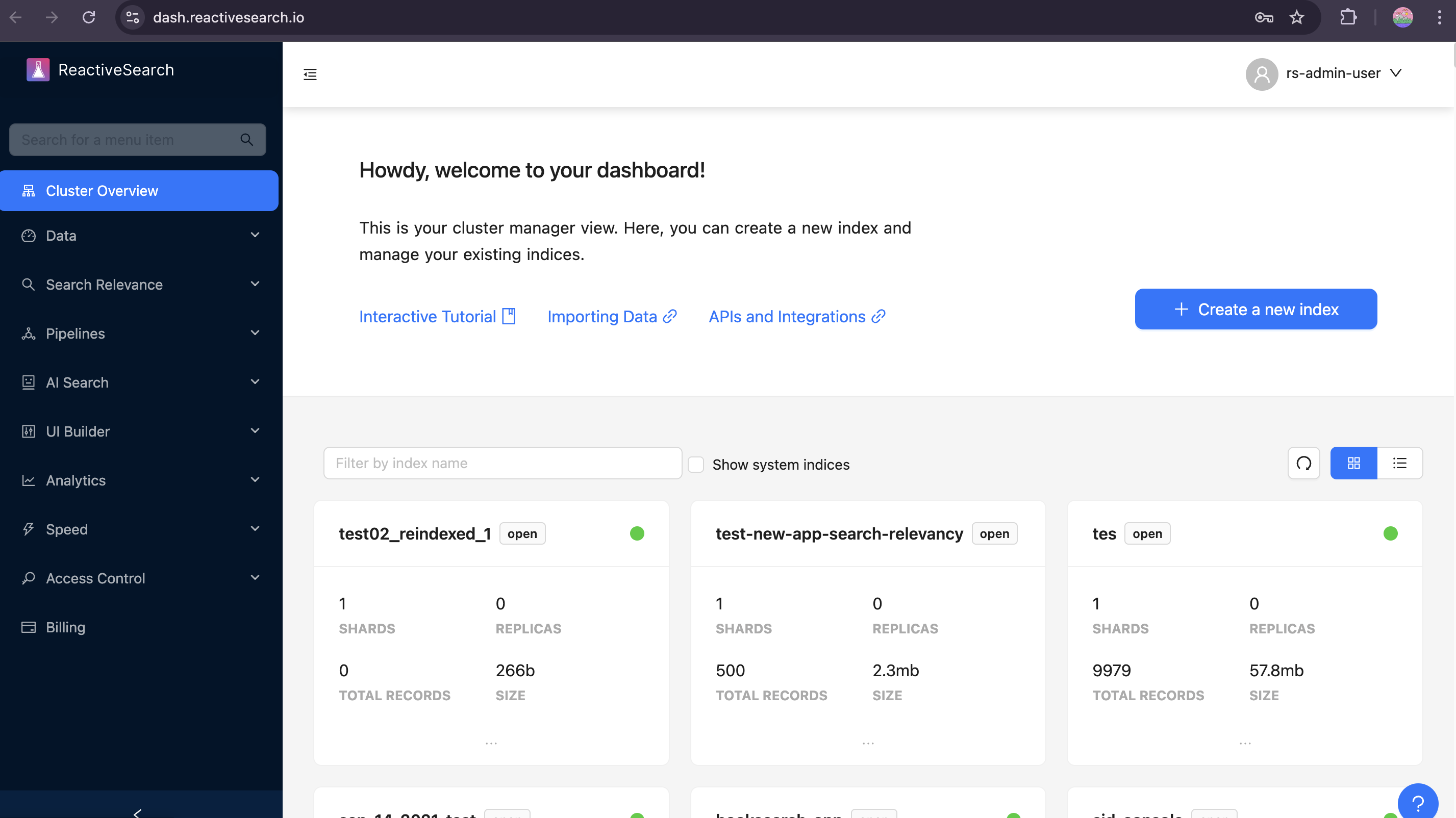
After signing in you'll land on the Cluster Overview — your central hub for managing indices, configuring search relevancy, building search UIs, setting up analytics and more.